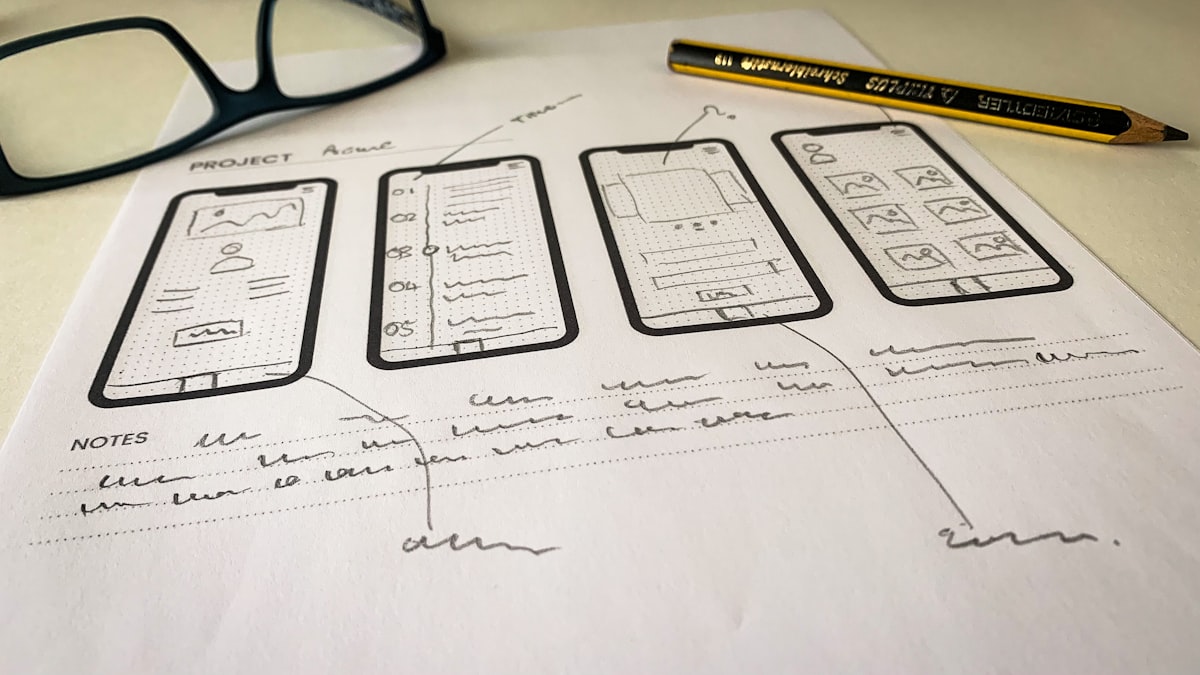
You have an idea for an app. Maybe it’s a tool to solve a problem you face every day, or a product you want to launch, or just something fun you want to create.
In the past, you had two options: learn to code (which takes months or years) or hire a developer (which costs thousands of dollars). Neither is great when you just want to test an idea.
Today, there’s a third option: use AI to build it for you.
This guide will show you exactly how to build a working application by describing what you want in plain English. We’ll build a real project together so you can see the entire process.
What we’re building
To make this concrete, we’ll build a habit tracker, an app that lets you:
- Add habits you want to track
- Mark habits as complete each day
- See your streak for each habit
- View a weekly overview
This is a real, useful app. By the end, you’ll have something you can actually use, and you’ll know how to build anything else you can imagine.
What you’ll need
- A Mac (running macOS 14 or later)
- Vibestackr (free download)
- A Claude Pro subscription or higher (starting at $20/month)
- About 30 minutes
1Set up your tools
First, we need to install an AI coding assistant. We’ll use Claude Code because it’s excellent at understanding what you want and building complete features.
- Download Vibestackr (it’s free)
- Open the app and select “Claude Code”
- Click Install. Vibestackr handles all the technical setup
- Sign in with your Anthropic account when prompted
This takes about 5 minutes. When it’s done, you’ll have Claude Code ready to use.
2Start your project
Open Terminal (press Cmd + Space, type “Terminal”, press Enter) and type:
claudeClaude Code will start up. Now, let’s create our habit tracker. Type this prompt:
Create a habit tracker web app. I want to be able to:
- Add new habits with a name
- Mark habits as complete for today
- See my current streak for each habit
- View a weekly calendar showing which days I completed each habit
- Data should persist in local storage

Use a clean, modern design with a dark theme. Make it mobile-friendly.
Press Enter and let Claude work. It will create multiple files (HTML, CSS, and JavaScript) that make up your app.
3See what you built
Claude will tell you where it saved the files. To view your habit tracker, ask:
Open the habit tracker in my browserYour browser will open and you’ll see your app. Try it out: add a habit, mark it complete, see the streak update.
You just built an app. No coding. No frameworks to learn. No Stack Overflow searches. Just a description of what you wanted.
4Customize and improve
Your app works, but maybe you want to change some things. This is where vibe coding really shines. Just describe what you want to change:
Add a celebration animation when I complete all habits for the day. Make it confetti.Or:
Add a way to delete habits. Put a small X button on each habit card.Or:
Change the color scheme to use blue instead of purple. Keep the dark theme.Each change takes seconds. You can iterate on your app as fast as you can think of improvements.
5Add more features
Let’s make the app more useful. Try these prompts:
Add reminders:
Add a feature to set a daily reminder time for each habit. Show a notification in the browser at that time.Add categories:
Let me organize habits into categories like "Health", "Work", "Personal". Add a filter to show habits by category.Add statistics:
Add a stats page that shows my completion rate for the past 30 days, my longest streaks, and my most consistent habits.Each prompt adds real functionality to your app. You’re not limited to what a template provides. You can build exactly what you want.
Tips for building your own apps
Start with the core feature
Don’t try to describe your entire app in one prompt. Start with the most basic version that’s still useful, then add features one at a time.
Be specific about design
If you have a vision for how something should look, describe it. “Modern and clean” is okay, but “a minimal design with lots of white space, rounded corners, and a single accent color” is better.
Test as you go
After each change, try the app. If something doesn’t work right, tell Claude: “The delete button isn’t working” or “The calendar shows the wrong dates.” It will fix issues quickly.
Ask for explanations
If you want to understand how something works, ask. “Explain how the streak calculation works” teaches you while building.
Ideas for your next project
Now that you know the process, here are some apps you could build:
- Recipe manager -Save recipes, plan weekly meals, generate shopping lists
- Budget tracker -Log expenses, set budgets, visualize spending
- Workout logger -Track exercises, sets, reps, and progress over time
- Reading list -Save books you want to read, track what you’ve finished
- Invoice generator -Create and send professional invoices
- Portfolio website -Showcase your work with a custom design
- Pomodoro timer -Time-boxing app with statistics
- Journal app -Daily writing prompts with mood tracking
Pick something you’d actually use. The best way to learn is by building something you care about.
Ready to build your app?
Download Vibestackr, install Claude Code, and start building. No coding experience required.
Download VibestackrWhat’s next?
You’ve built a web app that runs in a browser. But you can go further:
- Deploy it online -Ask Claude to help you put your app on the internet so others can use it
- Turn it into a mobile app -Claude can help you convert it to a mobile app using React Native
- Add a backend -For apps that need user accounts or cloud storage
The tools keep getting better. What’s impossible today will be easy tomorrow. But the best time to start is now. Pick an idea and build it.
You don’t need permission. You don’t need to hire anyone. You just need to describe what you want.
That’s the magic of building apps without coding.